
We’ll be back soon!
Sorry for the inconvenience but we’re performing some maintenance at the moment. If you need to you can always contact us, otherwise we’ll be back online shortly!
— The Team
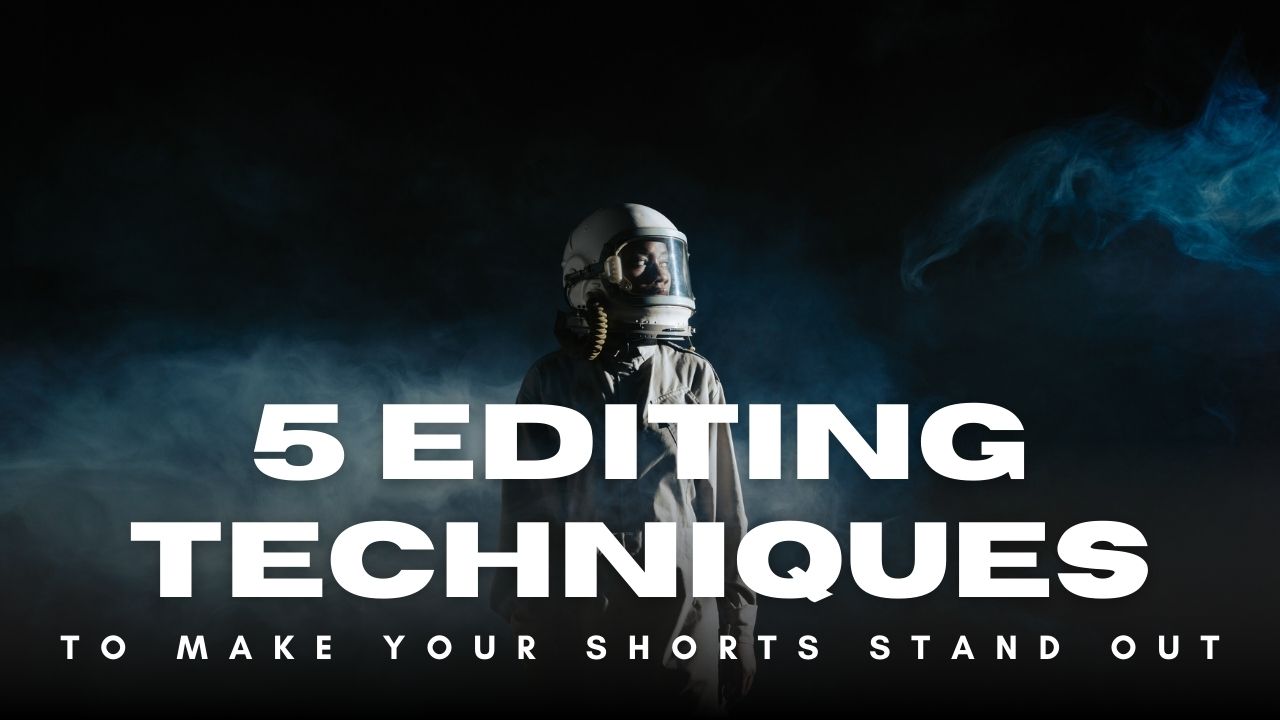
Short-form video content is dominating social media platforms like YouTube Shorts, Instagram Reels, and TikTok. To grab viewers' attention in the first few seconds, your videos must be engaging, visually appealing, and well-edited. Whether you're a content creator, marketer, or business owner, mastering the right editing techniques can make your Shorts stand out and drive more engagement.
In this blog, we’ll explore five powerful editing techniques to make your Shorts more appealing, shareable, and viral-worthy. We'll also introduce Vshorts AI, an AI-powered tool that simplifies the process of creating high-quality Shorts with minimal effort.
Fast cuts and dynamic transitions keep viewers engaged by maintaining a high pace and energy level. When editing your Shorts, avoid long static shots and instead opt for quick cuts between different angles and scenes.
● Use Jump Cuts: Remove unnecessary pauses or filler moments to keep the content concise.
● Incorporate Match Cuts: Align similar actions between two clips to create a seamless transition.
● Experiment with Zoom Effects: Zooming in and out can add emphasis and energy.
● Utilize AI-Powered Editing Tools: Vshorts AI can automatically apply dynamic cuts and transitions to enhance your videos effortlessly.
Most people watch Shorts on mute, making text overlays and captions essential for engagement. Adding text ensures your message is clear and enhances accessibility.
● Use Bold and Readable Fonts: Choose fonts that are easy to read on a small screen.
● Highlight Keywords: Emphasize important words to capture attention.
● Time Text with Audio: Sync text with spoken words or beats for better impact.
● Use Vshorts AI for Auto-Generated Captions: The tool adds accurate captions automatically, saving time and effort.
Color plays a crucial role in making your Shorts visually appealing. Adjusting brightness, contrast, and saturation can enhance the mood and make your content more professional.
● Use Presets for Consistency: Maintain a consistent color tone for brand identity.
● Enhance Vibrancy: Increase saturation slightly to make your video pop.
● Apply Cinematic Filters: Subtle LUTs (Look-Up Tables) can give your videos a cinematic feel.
● AI-Based Enhancement: Vshorts AI can automatically enhance video colors for a polished look.
Audio is just as important as visuals in making your Shorts engaging. The right background music and sound effects can create an immersive experience.
● Choose Trendy Music: Use popular tracks to increase discoverability.
● Adjust Volume Levels: Ensure music doesn’t overpower the dialogue.
● Use Sound Effects (SFX): Small sound cues like swooshes and pops can make transitions smoother.
● AI-Powered Sound Syncing: Vshorts AI automatically syncs music and effects with your video clips.
Editing Shorts manually can be time-consuming, but AI-powered tools like Vshorts AI make the process effortless. Vshorts AI analyzes long-form content and extracts the most engaging moments to create viral-ready Shorts with minimal effort.
● Auto Clipping: Identifies the best parts of a long video and extracts short clips.
● AI-Powered Subtitles: Adds accurate subtitles automatically.
● Smart Transitions & Effects: Enhances Shorts with high-quality cuts, filters, and transitions.
● User-Friendly Interface: No professional editing skills required.
By using Vshorts AI, you can create stunning Shorts that increase engagement, attract more followers, and generate revenue with ease.
Short-form videos are a goldmine for content creators looking to grow their audience. By applying these five editing techniques—fast cuts, engaging text, optimized colors, background music, and AI-powered tools like Vshorts AI—you can make your Shorts stand out from the competition.
If you're looking for an easy way to create high-quality Shorts without the hassle of manual editing, try Vshorts AI today!
A YouTube Short should be less than 60 seconds to qualify for the Shorts feed.
The recommended resolution is 1080x1920 pixels (vertical format).
Use engaging thumbnails, fast-paced editing, trending sounds, and captions to increase shareability.
No, AI tools like Vshorts AI can help you edit Shorts effortlessly.
Captions are crucial as most people watch Shorts on mute. Vshorts AI can add them automatically.
You can use music from YouTube’s library or licensed sources to avoid copyright issues.
AI tools like Vshorts AI can auto-cut, add captions, and enhance videos, saving time and effort.
The ideal aspect ratio is 9:16 for vertical viewing.
Use built-in text animation features in editing tools or AI-generated text overlays from Vshorts AI.
Posting at least 3-5 Shorts per week can help increase engagement and reach.
By implementing these editing techniques and leveraging tools like Vshorts AI, you can create high-quality Shorts that capture attention and drive engagement. Start editing smarter and make your content go viral today!
Sorry for the inconvenience but we’re performing some maintenance at the moment. If you need to you can always contact us, otherwise we’ll be back online shortly!
— The Team