


We’ll be back soon!
Sorry for the inconvenience but we’re performing some maintenance at the moment. If you need to you can always contact us, otherwise we’ll be back online shortly!
— The Team

Thumbnails are the first impression of any video, and when it comes to YouTube Shorts, Reels, or TikTok videos, they play an even more crucial role. With millions of videos uploaded daily, a compelling thumbnail can be the deciding factor in whether your video gets clicked or ignored. This article will provide a detailed guide on creating high-quality thumbnails that attract more clicks, improve engagement, and boost your video’s ranking on YouTube and Google Search.
A thumbnail serves as a visual representation of your video’s content. Since platforms like YouTube use an algorithm that favors high click-through rates (CTR), an engaging thumbnail can significantly impact your video’s performance. Here’s why thumbnails are crucial:
● First Impressions Matter: Users judge whether to watch a video within seconds based on its thumbnail.
● Higher CTR (Click-Through Rate): A well-designed thumbnail increases the chances of your video being clicked.
● Better SEO Rankings: YouTube and Google use CTR as a ranking factor. A higher CTR means better rankings.
● More Engagement: Eye-catching thumbnails increase viewer retention and engagement.
Using contrasting colors makes thumbnails pop and stand out in crowded feeds. Popular YouTubers often use a mix of red, yellow, and blue as they attract attention.
A blurry or pixelated thumbnail looks unprofessional and discourages viewers. Always use a resolution of 1280x720 pixels (16:9 aspect ratio) for the best results.
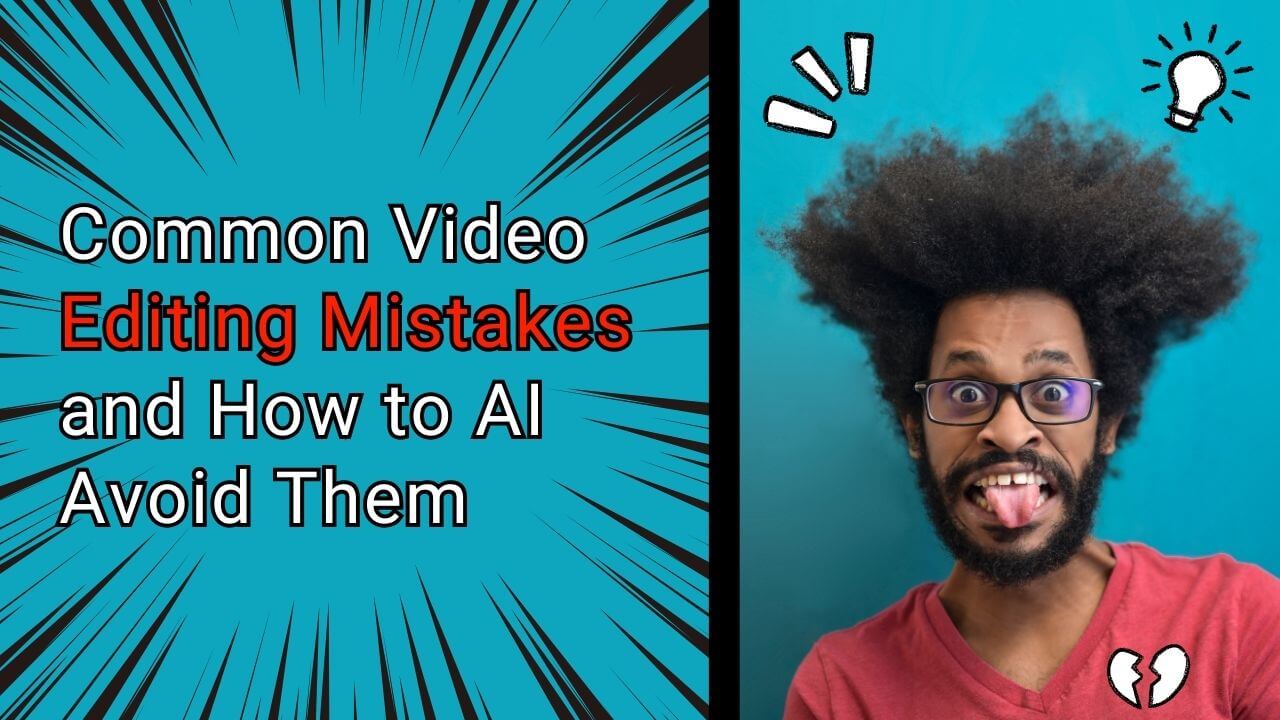
People are naturally drawn to faces displaying strong emotions like surprise, joy, or excitement. This creates curiosity and encourages clicks.
Adding short, powerful text (2-5 words) to thumbnails can make the message clearer. Use bold, easy-to-read fonts to ensure visibility even on smaller screens.
Using a consistent style, font, and color scheme for thumbnails creates brand recognition and builds audience trust over time.
Avoid clutter. Too many elements can confuse the viewer. Keep your thumbnail simple but effective.
Adding contrast and drop shadows can make the thumbnail look more professional and eye-catching.
● Choose bright and contrasting colors like yellow, red, and blue.
● Use color psychology (e.g., red for urgency, blue for trust, yellow for happiness).
● Keep text to a minimum (under five words).
● Use large, bold, and readable fonts.
● Place text where it won’t be covered by timestamps or platform UI elements.
● Express strong emotions (shock, excitement, curiosity).
● Zoom in on the face for clarity.
● A/B test different thumbnail versions to see which performs best.
● Experiment with different colors, fonts, and images.
● Use arrows and circles to direct attention to important elements in the thumbnail.
● Use high-resolution images (minimum 1280x720 px).
● Avoid too much compression to prevent pixelation.
There are many free and paid tools available to create professional thumbnails:
● Canva: User-friendly, drag-and-drop design platform.
● Fotor: Online photo editing and design tool.
● Snappa: Simple interface for quick designs.
● Adobe Photoshop: The industry-standard professional design tool.
● Adobe Illustrator: Great for vector-based thumbnail design.
● Crello: Canva alternative with advanced features.
Before uploading, rename your file with keywords. Example: best-youtube-shorts-thumbnail.jpg.
Your thumbnail should match your video’s title and description to improve ranking.
Auto-generated thumbnails from YouTube often don’t perform well. Always upload a custom thumbnail.
● Resolution: 1280x720 px
● Format: JPG, PNG, GIF, BMP
● File Size: Under 2MB
The recommended size is 1280x720 pixels with a 16:9 aspect ratio.
Yes, but keep it minimal (2-5 words) and use bold, readable fonts.
While YouTube auto-generates thumbnails, adding a custom thumbnail increases CTR.
Use bright colors, emotional faces, and contrasting text.
Canva, Photoshop, and Snappa are great tools.
Yes, you can update your thumbnail anytime from YouTube Studio.
Thumbnails impact CTR, which directly affects video rankings.
If possible, yes! Faces with emotions perform better.
Yes, misleading thumbnails can lead to demonetization or reduced visibility.
Always use original or royalty-free images to avoid copyright strikes.
Creating a high-quality thumbnail is a crucial part of video marketing. By following the best practices mentioned above, you can increase your video’s click-through rate, improve engagement, and rank higher on YouTube and Google. Use high-contrast colors, emotional faces, readable text, and a professional design to ensure your video stands out in a crowded space.
If you’re serious about growing your channel and maximizing your video’s reach, investing time in creating the perfect thumbnail is well worth it!
If you want to automate and streamline your content creation, consider using Vshorts AI, which helps convert long videos into viral Shorts with just one click! ?
Sorry for the inconvenience but we’re performing some maintenance at the moment. If you need to you can always contact us, otherwise we’ll be back online shortly!
— The Team