

We’ll be back soon!
Sorry for the inconvenience but we’re performing some maintenance at the moment. If you need to you can always contact us, otherwise we’ll be back online shortly!
— The Team
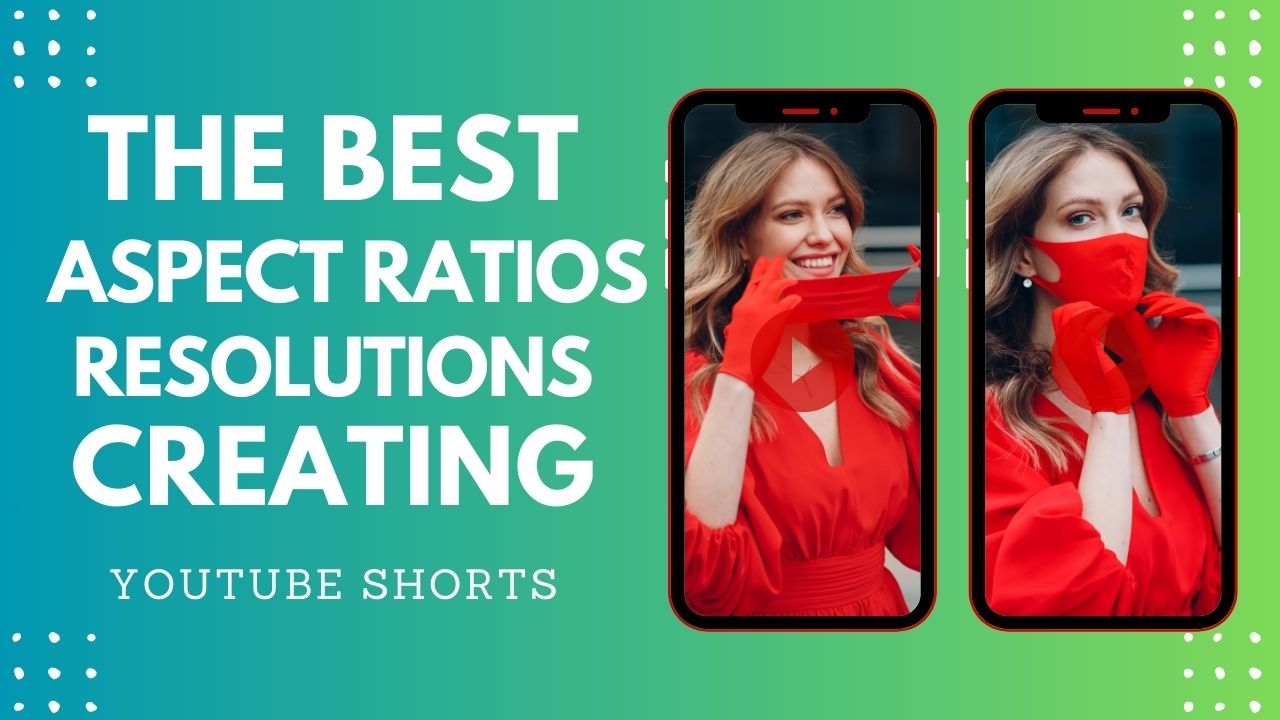
Short-form videos have taken the digital world by storm, with platforms like YouTube Shorts, Instagram Reels, and TikTok driving massive engagement. To ensure your Shorts look professional and perform well, choosing the right aspect ratio and resolution is crucial. A well-optimized video improves viewer retention, increases reach, and enhances the overall aesthetic appeal of your content.
In this guide, we will explore the best aspect ratios and resolutions for creating Shorts, discuss common mistakes to avoid, and introduce Vshorts AI—a powerful tool to make the process easier. Whether you are a digital creator, marketer, or business owner, this article will help you create high-quality Shorts that stand out.
Aspect ratio refers to the width and height ratio of a video. It determines how the video appears on different screens. For Shorts, vertical aspect ratios are the most effective as they are mobile-friendly.
● 9:16 (Vertical Full-Screen) – The standard aspect ratio for TikTok, Instagram Reels, and YouTube Shorts.
● 4:5 (Slightly Cropped Vertical) – Works well for Instagram feed videos.
● 1:1 (Square Format) – Ideal for some social media platforms but not optimal for Shorts.
● 16:9 (Landscape) – Common for YouTube videos but not recommended for Shorts.
For YouTube Shorts, Instagram Reels, and TikTok, 9:16 is the best aspect ratio as it perfectly fits mobile screens.
Resolution refers to the number of pixels in a video. The higher the resolution, the clearer the video appears. Here are the best resolutions for creating Shorts:
● Always use 1080x1920 or higher for best quality.
● Lower resolutions may result in blurry or pixelated videos.
● Ensure your video is optimized for mobile viewing since most Shorts are watched on smartphones.
Vshorts AI helps creators generate high-quality Shorts from long videos with one click. It automatically selects the best moments, applies subtitles, and formats videos for maximum engagement.
Shorts should be between 15 to 60 seconds long. Make the first few seconds attention-grabbing to retain viewers.
Most users watch Shorts without sound. Adding subtitles enhances accessibility and engagement.
Avoid uploading low-resolution or poorly cropped videos. Ensure your videos are sharp and clear.
Use high-ranking keywords, relevant hashtags, and compelling captions to increase visibility. For example, include terms like "best resolution for Shorts," "YouTube Shorts aspect ratio," "TikTok video resolution," etc.
Ensure the most important elements of your video are centered and visible. Avoid placing text or key visuals near the edges.
A well-lit video with crisp audio performs significantly better than a poorly produced one.
● Using the wrong aspect ratio (e.g., 16:9 instead of 9:16).
● Uploading low-resolution videos (less than 720x1280).
● Adding too much text on the screen, making it hard to read.
● Not using captions, which reduces engagement.
● Ignoring video cropping, leading to important content being cut off.
● The best aspect ratio is 9:16 (1080x1920 resolution) for full-screen vertical viewing.
● Yes, but it will have black bars on top and bottom, making it less engaging.
● The minimum recommended resolution is 720x1280, but 1080x1920 is preferred.
● Yes, all three platforms prefer 9:16 aspect ratio.
● Yes, higher resolution videos get more views and engagement as they look more professional.
● Absolutely! Vshorts AI automates the process, saving time and ensuring high-quality output.
● Yes, you can extract highlights using Vshorts AI and convert them into engaging Shorts.
● Make sure your video is 9:16 and properly formatted for vertical viewing.
● Yes, but 1080x1920 is sufficient for most use cases.
● Use MP4 or MOV with H.264 codec for the best quality and compatibility.
Choosing the right aspect ratio and resolution is essential for creating high-quality Shorts that perform well across social media platforms. 9:16 with a resolution of 1080x1920 is the ideal format for YouTube Shorts, TikTok, and Instagram Reels.
Using AI-powered tools like Vshorts AI can significantly speed up the process, ensuring that your Shorts are well-optimized, engaging, and ready to go viral. By following best practices such as adding subtitles, keeping content concise, and optimizing for SEO, you can maximize reach and engagement.
Start creating high-quality Shorts today and take your content strategy to the next level!
Sorry for the inconvenience but we’re performing some maintenance at the moment. If you need to you can always contact us, otherwise we’ll be back online shortly!
— The Team