
We’ll be back soon!
Sorry for the inconvenience but we’re performing some maintenance at the moment. If you need to you can always contact us, otherwise we’ll be back online shortly!
— The Team
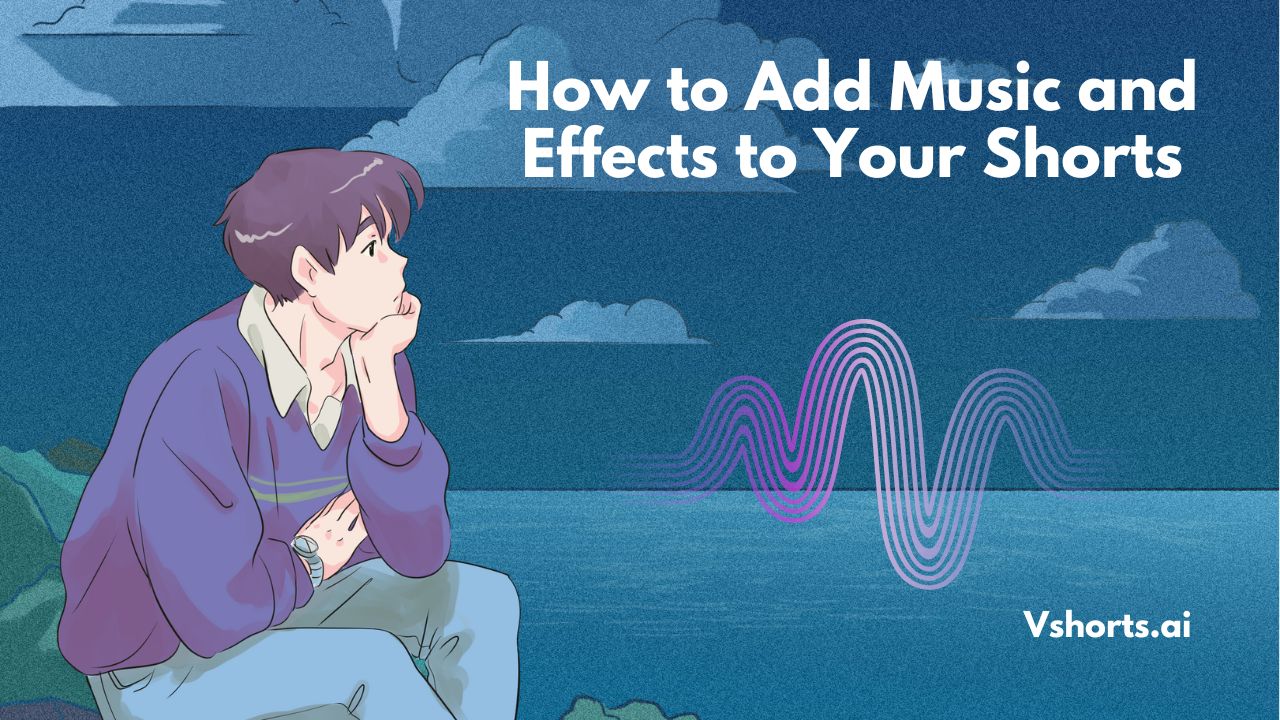
In the ever-growing world of short-form video content, adding music and effects can significantly enhance viewer engagement and make your Shorts stand out. Whether you are a content creator on YouTube, Instagram Reels, or TikTok, integrating the right music and effects can elevate your storytelling and attract more viewers. This guide will help you understand how to seamlessly add music and effects to your Shorts to maximize engagement and visibility.
YouTube offers a free music library that allows creators to add music without copyright issues. Here’s how you can use it:
● Open YouTube Studio and go to the ‘Audio Library.’
● Browse through the available free music.
● Download the track and add it to your video while editing.
If you want more customization, use video editing tools like:
● CapCut
● InShot
● VN Video Editor
● Adobe Premiere Rush
● Vshorts AI – an AI-powered tool that helps in creating viral Shorts with music and subtitles automatically.
If you want to use copyrighted music, ensure you have the proper license or use royalty-free music from platforms like:
● Epidemic Sound
● Artlist.io
● Pixabay Music
Platforms like TikTok and Instagram Reels have built-in music libraries. Here’s how to add music:
● TikTok: Select ‘Sounds’ and choose trending audio before or after recording.
● Instagram Reels: Tap the ‘Music’ icon and pick a song before or after recording your video.
YouTube Shorts has filters and effects that you can apply before publishing.
● Open YouTube Shorts editor.
● Select ‘Effects’ and browse the available options.
● Apply filters or motion effects to enhance the video.
If you want more effects, use professional editing tools:
● CapCut: Provides animated text, transitions, and effects.
● VN Video Editor: Allows slow-motion effects and cinematic transitions.
● Adobe Premiere Rush: Ideal for professional video effects.
● Vshorts AI: Auto-generates engaging effects for Shorts to make them viral.
Sometimes, the best effects are audio-based. Consider adding:
● Whooshes and swipes for transitions.
● Echo effects for voiceovers.
● Bass drops to emphasize dramatic moments.
Vshorts AI is an advanced AI-powered tool designed to help content creators transform long-form content into viral Shorts. With Vshorts AI, you can:
● Automatically add subtitles for better engagement.
● Enhance videos with AI-powered effects and transitions.
● Easily insert royalty-free music.
● Get trending clip suggestions to maximize reach.
Using Vshorts AI, you can create high-quality Shorts with music and effects in just a few clicks, saving you time and effort.
No, unless you have the necessary license or use the platform’s built-in music library.
Vshorts AI, CapCut, InShot, and Adobe Premiere Rush are great options.
You can check TikTok’s ‘Trending Sounds’ or Instagram’s music library for popular audio.
Yes, tools like Adobe Premiere Rush and Vshorts AI provide noise reduction features.
It depends on the tool used. High-quality editors maintain resolution while adding effects.
Use the beat marker feature in editing software to match transitions with the music.
Yes, adding subtitles increases engagement and helps reach a global audience.
Use trending audio, catchy effects, engaging content, and optimize your video for SEO.
Yes, apps like Vshorts AI, CapCut, and VN Video Editor make mobile editing easy.
Vshorts AI offers a free plan and premium plans with more features for professional creators.
Adding music and effects to your Shorts can greatly enhance their appeal, making them more engaging and likely to go viral. By leveraging tools like Vshorts AI, you can streamline the process and create high-quality content with minimal effort. Start experimenting with different music and effects today, and watch your Shorts gain more traction and engagement!
Start Creating Viral Shorts Today with Vshorts AI!
Sorry for the inconvenience but we’re performing some maintenance at the moment. If you need to you can always contact us, otherwise we’ll be back online shortly!
— The Team