
We’ll be back soon!
Sorry for the inconvenience but we’re performing some maintenance at the moment. If you need to you can always contact us, otherwise we’ll be back online shortly!
— The Team
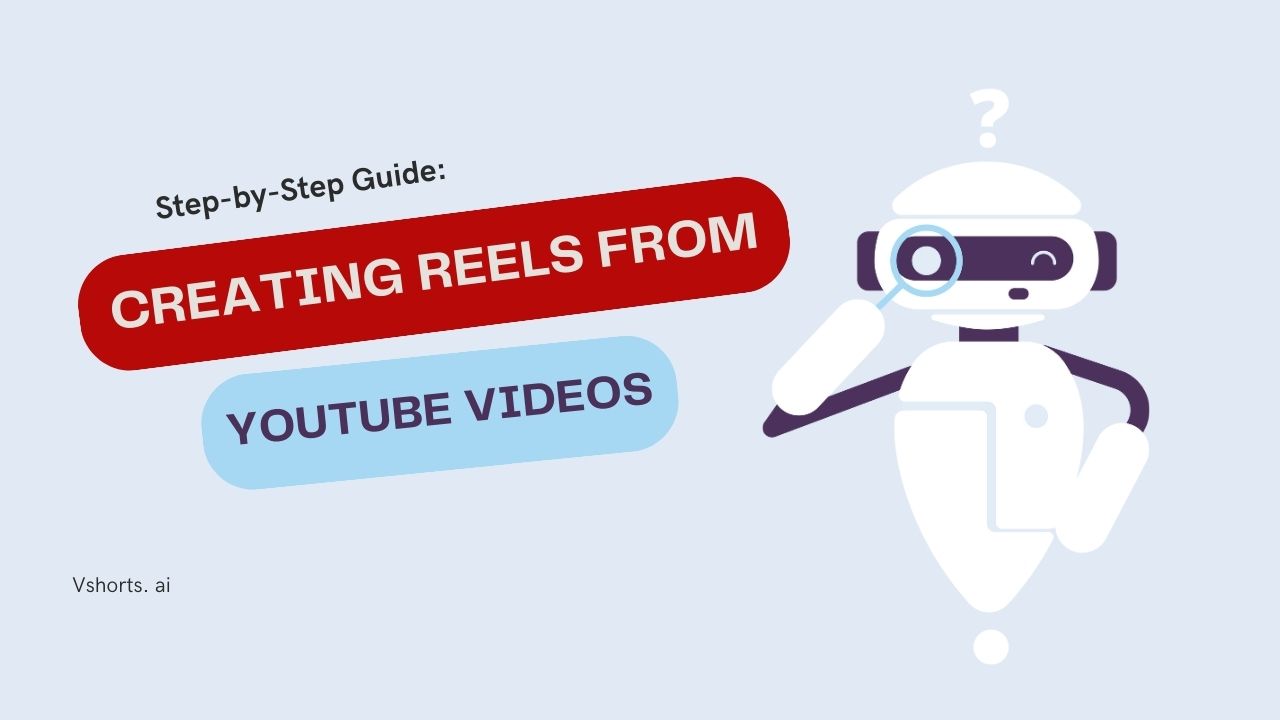
Short-form video content is booming, and platforms like Instagram Reels, YouTube Shorts, and TikTok are leading the charge. If you have long-form YouTube videos, repurposing them into Reels can significantly increase engagement, followers, and even revenue. But how do you efficiently convert YouTube videos into Reels without spending hours on editing?
In this guide, we’ll walk you through the entire process step-by-step, from selecting the right clips to optimizing them for engagement. Plus, we’ll introduce Vshorts AI, a powerful tool that automates this process, helping you create high-quality Reels effortlessly.
Short-form videos have a higher chance of going viral due to their shareability and algorithm preference.
Instead of creating new videos from scratch, you can maximize your content’s potential by breaking it into bite-sized clips.
Many platforms now support ad revenue sharing for short videos, making it a great opportunity to generate extra income.
Not all videos are suitable for short-form content. Look for:
● Videos with clear and engaging speech (e.g., podcasts, tutorials, interviews, or commentary videos).
● High-quality visuals that will retain viewers' attention.
● A length of at least 3 minutes (recommended for AI processing tools like Vshorts AI).
Look for clips that:
● Have a compelling hook.
● Deliver value or entertainment in a short timeframe.
● Spark curiosity or emotional reactions.
You can manually trim videos using editing software like:
● Adobe Premiere Pro
● Final Cut Pro
● CapCut
● InShot
Alternatively, AI-powered tools like Vshorts AI can automatically detect and extract viral-worthy clips with one click.
Subtitles improve accessibility and engagement, as many users watch videos on mute. Vshorts AI automatically generates subtitles for your Reels, ensuring better retention.
● Use a 9:16 aspect ratio for Reels, TikToks, and YouTube Shorts.
● Ensure your video is at least 1080p (Full HD) for better clarity.
● If your video is low resolution, consider using AI upscaling tools to enhance quality.
● Platforms prioritize videos with trending sounds.
● Use platform-provided music libraries for licensing compliance.
● Use hook-driven captions to encourage engagement (e.g., "This trick changed my life! Watch till the end!").
● Include relevant hashtags like #YouTubeShorts #InstagramReels #ViralVideos.
● Best posting times:
○ Instagram Reels: 12 PM - 3 PM & 6 PM - 9 PM (weekdays)
○ YouTube Shorts: 9 AM - 11 AM & 6 PM - 8 PM
○ TikTok: 7 PM - 10 PM
● Reply to comments to boost engagement.
● Pin a comment with a CTA (e.g., "Follow for more!").
Use analytics tools to track:
● Watch time
● Engagement rate
● Shares and comments
If a certain style of Reel is performing well, double down on it!
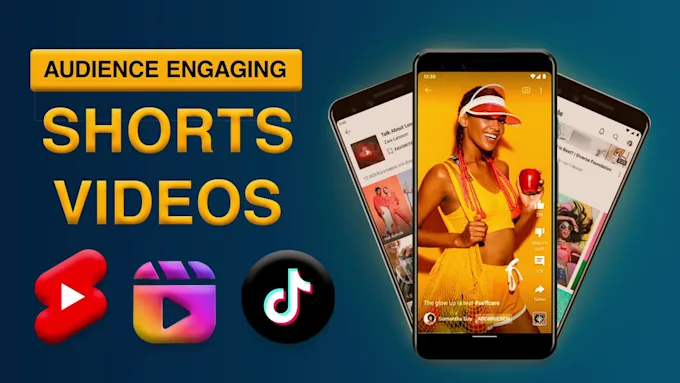
Manually creating Reels can be time-consuming, but Vshorts AI simplifies the process:
● AI-Powered Selection: Automatically finds the best segments from long videos.
● Instant Subtitles: Adds captions for better engagement.
● One-Click Editing: No technical skills required.
● Optimized for Social Media: Ensures perfect aspect ratio and quality.
With Vshorts AI, you can create 10 viral Reels in minutes and grow your audience faster!
Yes, but only if it's available in the platform's licensed music library.
Optimal length is 15-30 seconds for best engagement.
No, tools like Vshorts AI automate the editing process.
Speech-based videos like podcasts, interviews, and tutorials perform best.
Use captions, trending sounds, and interactive CTAs to increase engagement.
Post during peak hours: 12 PM - 3 PM & 6 PM - 9 PM for Instagram.
Yes, through YouTube Shorts revenue sharing, brand partnerships, and ads.
Ensure Full HD quality and avoid blurred speech or background noise.
Yes, but it works best with clear speech and minimal background noise.
Yes! The Free Plan allows up to 120 minutes of video uploads.
Creating engaging Reels from YouTube videos is an excellent strategy for maximizing content reach, boosting engagement, and even earning revenue. While manual editing can be tedious, AI-powered tools like Vshorts AI make the process effortless.
Ready to create viral Reels in minutes? Try Vshorts AI today and grow your audience faster!
If you’re looking to scale your content marketing strategy, consider batching content. Convert multiple YouTube videos into Reels at once using Vshorts AI, and schedule them for consistent posting.
Sorry for the inconvenience but we’re performing some maintenance at the moment. If you need to you can always contact us, otherwise we’ll be back online shortly!
— The Team